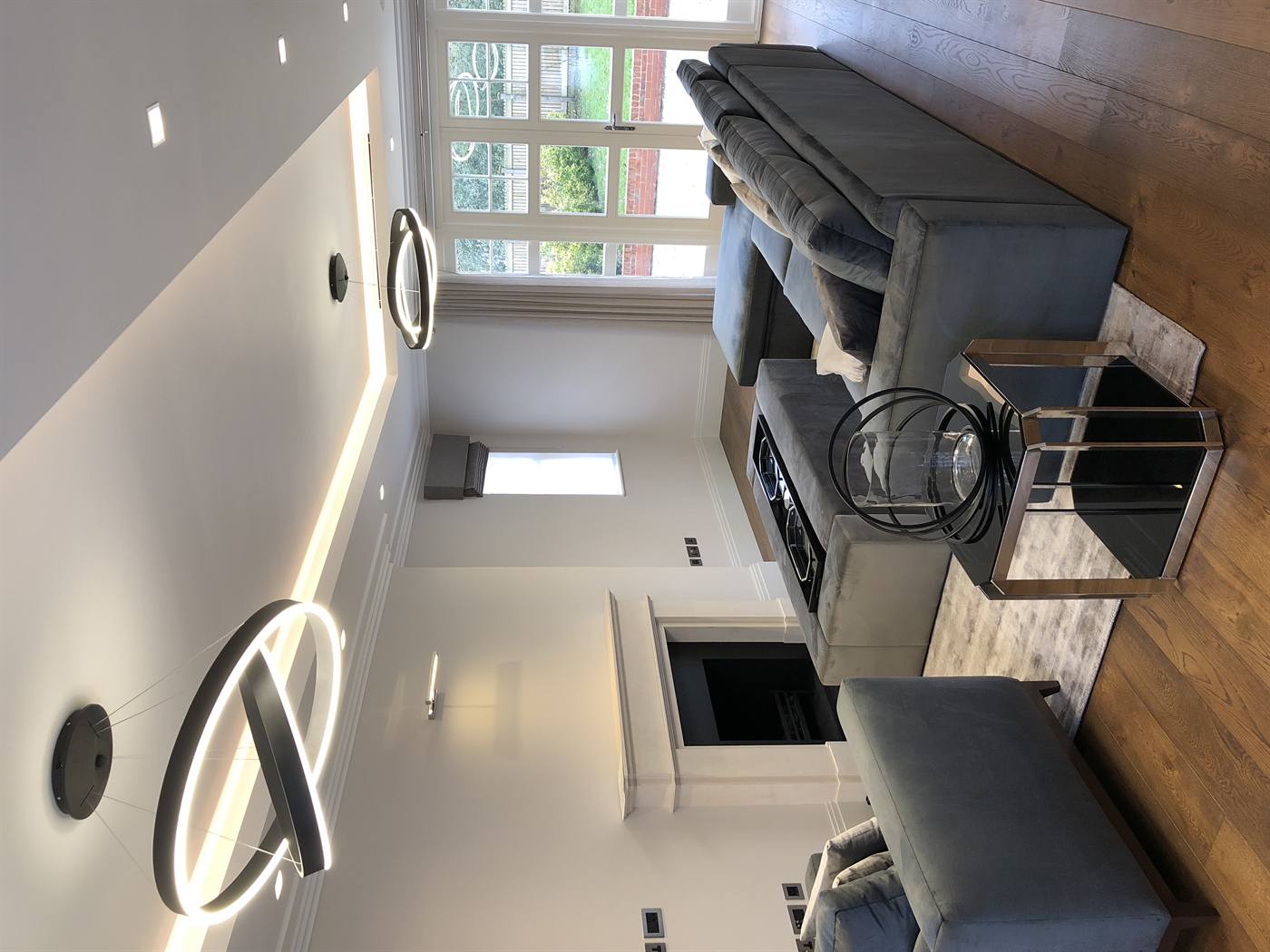
Onsite IT support in London is face-to-face technical help delivered at your location to fix outages fast, stabilize networks, and harden security. For teams across London, Concepto Solutions provides integrated onsite assistance across electrical, networking, CCTV, AV, and Microsoft platforms so issues are resolved and prevented.
By Concepto Solutions — Last updated: 2026-05-17
Quick Summary for Busy Teams
Use onsite IT support in London when hands, meters, or physical access are required. It resolves hardware faults, cabling issues, Wi‑Fi interference, and security blind spots that remote tools can’t fully diagnose or fix. A planned visit restores stability quickly and reduces repeat incidents.
This complete guide is designed for London teams that want swift, low-disruption outcomes and a clear plan. Skim this, then jump to the section you need.
What onsite IT support is and how it fits with remote help
When to escalate to an in-person visit (with real examples)
Exactly how a site visit runs, step by step
Best practices that prevent follow-up trips
Tools and diagnostics that turn guesses into facts
Onsite vs. remote: a simple comparison
What drives your service levels and response times
Security, smart alarms, and compliance checks on site
What Is Onsite IT Support in London?
Onsite IT support in London is in-person technical assistance at your premises for issues that need hands-on diagnosis, configuration, repair, or replacement. It complements remote helpdesk and monitoring by covering physical tasks like cabling, device swaps, Wi‑Fi tuning, and security system checks.
Think of onsite visits as the bridge between software tools and your real environment. When a port fails, a cable is mis-terminated, or a camera angle misses a key area, someone has to be there. That’s where our integrated team—electrical, networks, security/CCTV, AV, and IT—makes a difference.
Hands-on remediation: Patch panels, switches, access points, controllers, servers, and endpoints.
Network health: Certification of Cat6/Cat6A runs, interference checks, VLAN/PoE audits.
Security systems: Cameras, door entry, video intercoms, and smart alarms validated in person.
Workspace enablement: AV, conferencing, and point‑of‑sale reliability confirmed with users.
For many London businesses, 30–50% of “recurring” helpdesk tickets trace back to physical causes: cabling, power, or device placement. Those aren’t software problems—they’re onsite problems. Closing these gaps shrinks downtime windows from hours to minutes.
Local considerations for London
Schedule onsite work outside your team’s peak hours to minimise disruption across any London sites you manage.
Plan around seasonal retail and hospitality surges; prioritize POS reliability and guest Wi‑Fi hardening before major weekends.
Coordinate with building management early for riser access and any power‑downs needed for electrical and network changes.
Why Onsite Support Matters in London
Onsite support reduces downtime, improves security, and speeds root‑cause analysis. Physical diagnostics, clean cabling, and device replacements restore stability quickly. It prevents repeat incidents by aligning network, power, and security systems in the live spaces users rely on.
Here’s the thing: remote tools see events, but not everything they need to explain them. An engineer on-site can test a port, re-terminate a connector, or reposition an access point in minutes. That closes gaps that monitoring alone can’t reach.
Faster containment: Link testers and spectrum analyzers reveal the real fault—cable, switch port, power, or firmware—often within a single visit.
Fewer repeats: Fixing physical causes stops the “same issue” carousel. We routinely see repeat tickets fall by 25–40% after a targeted onsite pass.
Better user experience: Walk‑the‑floor checks surface edge cases remote sessions miss, like roaming dead zones or a mis-aimed camera.
Security hardening: Camera views, door latch timing, and port security are validated in person; risks drop before they become incidents.
In our experience across high‑end residences, retail flagships, and hospitality venues, a well‑planned visit often replaces 3–4 remote sessions. That’s less time explaining and more time fixing.
How Onsite IT Support Works (Step-by-Step)
A successful onsite visit follows a tight loop: define scope, prepare parts, arrive safely, diagnose, remediate, validate, and document. Clear owners and pre‑staged spares turn a multi‑visit issue into a one‑and‑done outcome with minimal disruption.
Define scope and success: Capture symptoms, impact, constraints, and acceptance criteria. Agree the change window and stakeholders.
Pre‑visit prep: Stage switches, access points, SFPs, patch leads, labels, firmware, and configuration backups.
Arrival and safety: Sign in, confirm electrical safety, and validate approvals. For power work, align with NICEIC standards.
Diagnosis: Test links, ports, PoE budgets, Wi‑Fi spectrum, and device logs. Verify camera feeds and door release timing.
Remediation: Replace or reconfigure components, re‑terminate cables, re‑route patching, and optimize placements.
Validation: Run throughput tests, roaming checks, failover tests, and user acceptance confirmation.
Documentation: Update as‑builts, diagrams, labels, and handover notes with photos. Record learnings to prevent repeats.
When this loop is followed, mean time to repair shrinks dramatically. Even a 15‑minute improvement per incident can reclaim hours over a busy week.
Types of Onsite Visits and When to Use Them
Use onsite support for break/fix emergencies, planned improvements, compliance testing, and rollouts. Prioritize tasks that require physical access, electrical verification, or local user training; leave software‑only changes to remote sessions.
Break/fix: Switch, AP, UPS, and endpoint failures; camera or door‑controller outages. Onsite swaps and re‑terminations restore service fast.
Planned upgrades: Structured cabling refresh, Wi‑Fi redesign, AV/VC modernization, and access control enhancements.
Compliance checks: Electrical inspection, access control audits, CCTV retention reviews, and backup validation.
Rollouts: New location turn‑ups, POS deployments, and conference room standardization across multiple London sites.
If you’re unsure whether to go onsite, ask: “Does this require hands, tools, or local user sign‑off?” If yes, it’s a fit. Otherwise, remote is likely faster.
Best Practices for Flawless Site Visits
Define a crisp scope, pre‑stage hardware, label everything, and test before you leave. Capture photos, update diagrams, and confirm user acceptance. These basics prevent follow‑up visits and keep environments consistent across sites.
Labeling discipline: Cabinet, port, and patch labeling reduces guesswork later by 80–90%.
Change control: One source of truth for approvals, timing, and rollback plans avoids confusion.
Spare kits: Keep common SFPs, patch cords, PoE injectors, and wall plates on hand.
Acceptance tests: Throughput, roaming, camera angles, and door release timing signed off with users.
Clean cable work: Tidy patching and strain relief cut accidental disconnects and make faults obvious.
User comms: Short, clear notices reduce friction and speed acceptance testing.
For additional perspective on operations playbooks, see these IT support strategies for small businesses. While every site is unique, the fundamentals scale from 5 to 500 users.
Tools and Resources We Bring
Effective onsite work depends on calibrated test gear, secure management access, and documented standards. From cable certifiers to Wi‑Fi spectrum analyzers, the right tools turn guesswork into facts and accelerate reliable fixes.
Cable testers: Certification and fault‑finding for Cat6/Cat6A runs; verify pairs, length, and crosstalk.
Wi‑Fi tools: Heatmapping and spectrum analysis to eliminate interference and dropouts.
Network consoles: Switch/AP logs, PoE budgets, and firmware baselines to spot misconfigurations.
Electrical testers: Power checks that protect sensitive gear and minimize nuisance trips.
Documentation systems: Rack elevations, IP plans, and asset inventories that keep teams aligned.
Good network design underpins everything we do on site. For background, review this overview on the importance of network design and how design affects daily reliability.
Need a fast, low‑disruption visit? Our joined‑up team covers electrical, networks, security/CCTV, AV, and 24/7 UK‑based IT support—so you get one accountable partner from design through completion and beyond handover.
Case Studies and Real‑World Examples
Hands‑on support shines in complex environments. In high‑end homes, retail flagships, and hospitality venues, onsite work stabilizes Wi‑Fi, AV, access control, and POS by fixing physical root causes that software tools can’t touch.
Retail checkout dropouts: Re‑terminated Ethernet and corrected VLANs restored POS reliability the same day across multiple tills.
Hospitality Wi‑Fi drift: Spectrum cleanup and AP repositioning boosted roaming performance, cutting complaints by over half.
Residential AV sync: HDMI path tuning and QoS across switches eliminated stutter in a home cinema.
Security blind spots: Camera angle, focus, and retention settings corrected on site—vital for incident review.
Door entry timing: Video intercoms and access controllers adjusted to align with user flow and safety requirements.
Because Concepto Solutions is a NICEIC Approved Contractor with certifications spanning Control4, Lutron, KNX, Savant, Paxton, Texecom, and more, we resolve not only the IT symptoms but also the electrical and control‑system causes behind them.
Onsite vs. Remote: When Each Wins
Remote support is fastest for software and configuration tasks; onsite support is essential when physical components, signals, or cabling are at fault. The best outcomes combine both, escalating to onsite only when hands and meters are required.
Scenario Remote Support Onsite Support Software settings Ideal Not required Hardware failure Limited Essential Wi‑Fi interference Partial Recommended Cabling faults Limited Essential User onboarding Good Great for training
Most London teams succeed by pairing proactive monitoring with targeted site visits. That mix keeps tickets low and momentum high.
What Drives Your Onsite Investment and SLAs
Onsite service levels depend on response windows, complexity, and parts availability. Clear scopes, standard hardware, and planned change windows help teams hit tight SLAs without surprise follow‑ups or extended disruption.
Response targets: Choose business‑hours, extended, or next‑business‑day windows that fit operations.
Scope complexity: Single device vs. multi‑cabinet or multi‑site changes affect duration and staffing.
Parts and access: Pre‑staged spares and timely building access reduce delays dramatically.
Documentation quality: Up‑to‑date diagrams and inventories shorten diagnostic time on arrival.
Electrical safety aligns with IT continuity. For broader context on power systems and safe maintenance cycles, see this perspective on switchgear testing and compliance. A healthy power layer prevents avoidable IT incidents.
Security, Smart Alarms, and Compliance on Site
Onsite support is critical for physical security checks: camera views, door hardware, device locks, and secure cabling. It also validates network segmentation and patching on systems that can’t be serviced remotely, closing gaps before they become incidents.
CCTV and access control: Confirm camera coverage, focus, and retention; test door release timing and audit trails.
Smart alarms: Validate zones, sensors, and alert paths alongside Texecom or similar platforms.
Segmentation at the edge: Enforce guest vs. corporate VLANs on switches and APs to contain risk.
Patch cadence: Safely update onsite‑only systems during approved windows with rollback plans.
Because Concepto Solutions integrates electrical, security, AV, and IT, these checks happen in one coordinated visit—no hand‑offs, no finger‑pointing, and no gaps between trades.
Frequently Asked Questions
Onsite IT support answers the edge cases remote tools can’t. Below are concise answers to the most common questions London teams ask when planning a visit.
When should we request onsite IT support instead of remote help?
Choose onsite help when you suspect a hardware, cabling, power, or Wi‑Fi interference issue, or when user training and acceptance testing are needed. Software‑only fixes and routine configurations are usually faster over remote sessions.
How do you minimize disruption during a site visit?
We agree on a change window, stage replacement parts, and communicate a clear rollback plan. Work is sequenced so user impact is limited, and we verify success with acceptance tests before leaving the site.
What should we prepare before engineers arrive?
Provide cabinet and room access, confirm any power‑down approvals, and share the latest network diagrams and device lists. Let users know about the window so we can coordinate quick acceptance testing at the end.
Do you cover both business and residential properties?
Yes. We support high‑end homes, retail flagships, hospitality venues, and offices. Onsite work spans networking, AV, security systems, and end‑user devices, coordinated by one integrated team.
How does onsite IT support in London work with managed services?
Remote monitoring and helpdesk solve most software and settings issues quickly. We escalate to onsite for hands‑on fixes, upgrades, and compliance checks. Together, that mix keeps tickets low and uptime high.
Key Takeaways
Onsite IT support in London complements remote services by solving physical issues fast. Clear planning, quality tooling, and disciplined documentation turn single visits into lasting stability and better user experiences.
Use onsite for physical faults, upgrades, rollouts, and compliance checks.
Prep spares, labels, and current diagrams to speed resolution.
Pair proactive monitoring with targeted visits for best results.
Leverage an integrated team that spans electrical, networks, security, AV, and IT.
Conclusion and Next Steps
Start with a short discovery call, align your goals, and book a change window that fits operations. With one integrated team across electrical, networking, security, and IT, onsite issues shrink from emergencies to routine improvements.
Concepto Solutions has supported London clients since 2003 with a joined‑up approach that lasts beyond handover. If onsite IT support London is your current need, we’re ready to coordinate the window, arrive prepared, and leave your environment measurably better.